ai music lyrics video generator
ai music lyrics video generator
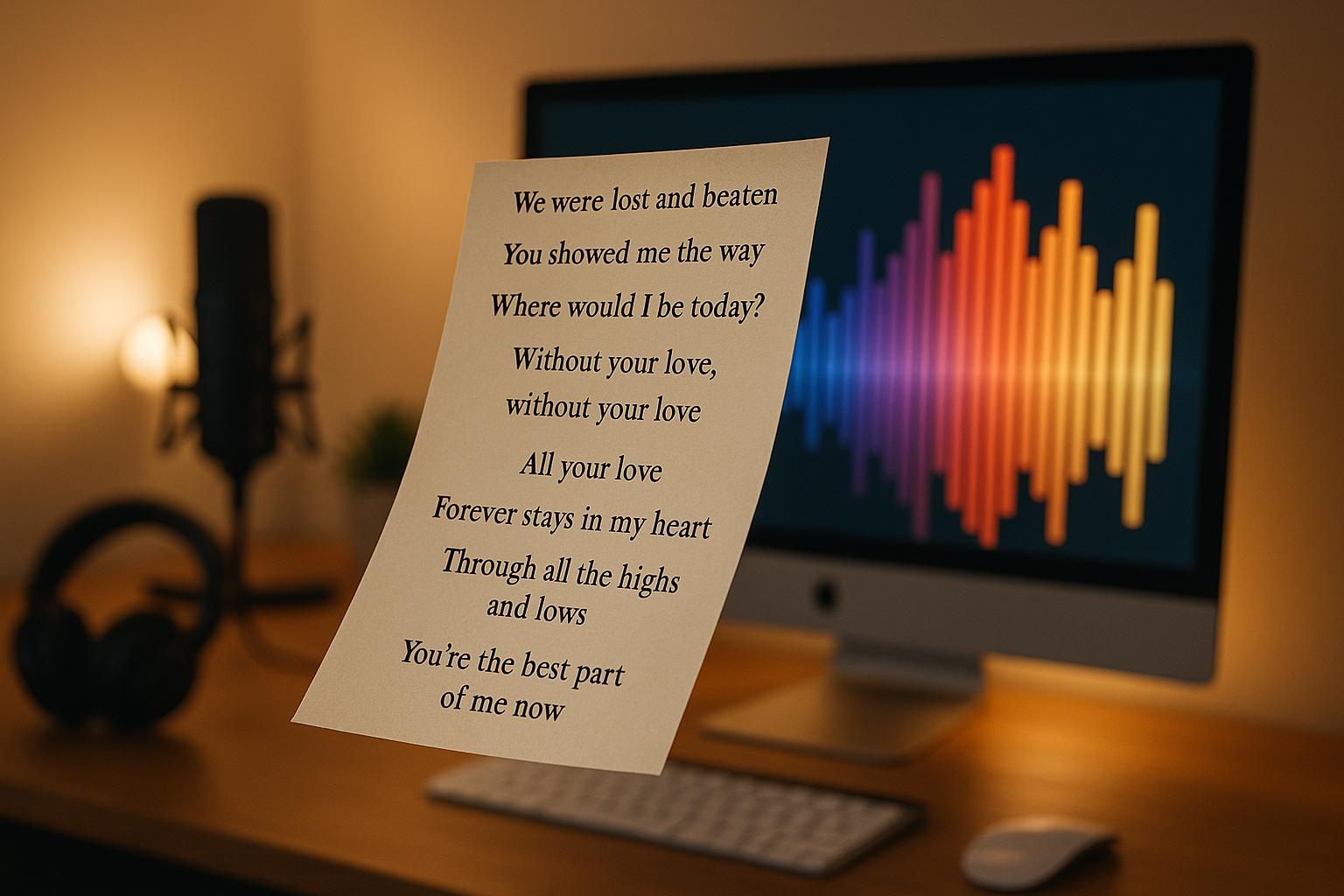
AI music lyrics video generators are transforming how musicians create visual content. These tools analyze your song's rhythm and mood to produce synchronized lyric animations and visuals, making it easier than ever to create videos for platforms like TikTok, Instagram, and YouTube. For independent artists, this means saving time, reducing costs, and maintaining a consistent online presence - all without needing advanced editing skills.
Key Points:
- What They Do: Sync lyrics with music and generate visuals that match the song's energy.
- Ease of Use: Upload your track, add lyrics, and choose a style to create a video in minutes.
- Customization: Adjust fonts, colors, and backgrounds to reflect your style.
- Platform Compatibility: Export videos in formats tailored for YouTube, Instagram, or TikTok.
AI tools like Vibedrop simplify the process, enabling musicians to focus on their music while producing professional-looking videos that engage their audience.
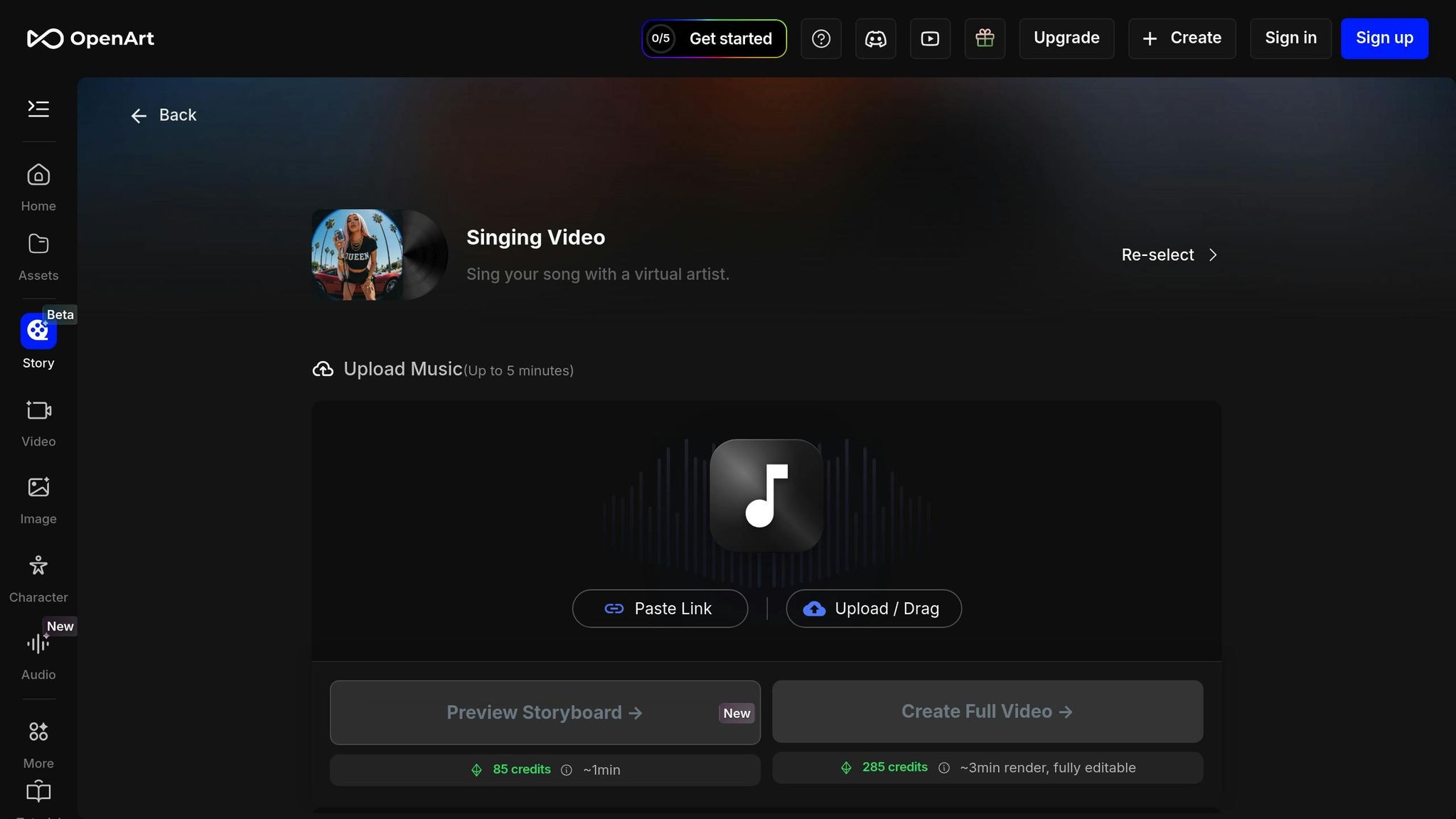
How to Create AI Lyric Videos in 10 Minutes (Openart AI Music Video Tutorial)
Key Features of AI Lyrics Video Generators
When selecting an AI lyrics video generator, certain features can make the process of creating engaging content much smoother. A good tool doesn't just automate video production - it also gives you the creative flexibility to ensure your final product connects with your audience. These features blend automation with personalization to enhance your workflow.
Lyrics Synchronization and Dynamic Visuals
One of the most important features of an AI lyrics video generator is its ability to sync your lyrics perfectly with your music. Using advanced audio analysis, the AI identifies beats, tempo changes, and vocal patterns, ensuring seamless synchronization. On top of that, it generates visuals that align with the energy of your track. Think of subtle, calming effects during soft verses and bold, vibrant transitions to match high-energy choruses. You can also add text animations that reflect the mood and tone of your song, making the video feel more alive and connected to your music.
Once the AI sets the foundation, you can step in to customize and make the design truly your own.
Customization Options
Even with automation, creative control is key. The best tools allow you to tweak text styles, fonts, and colors to align with your brand or artistic vision. This ensures your video feels unique and stays true to your personal or professional style.
High-Quality Exports and Multi-Platform Compatibility
A great lyrics video isn't just about visuals - it also needs to look sharp and perform well across different platforms. Choose a generator that supports high-resolution exports (at least 1080p HD) to meet professional standards. Additionally, tools that offer multiple export formats optimized for platforms like YouTube, Instagram, or TikTok can save you time and effort. Features like file size optimization and preserved audio quality also make sharing your content a breeze, ensuring it sounds and looks great wherever it's posted.
How to Create a Lyrics Video with AI: Step-by-Step Guide
Gone are the days when creating a professional lyrics video required expensive software or hours of editing. With AI tools like Vibedrop, you can turn your music into captivating visual content in just a few steps. Vibedrop simplifies the process, making it accessible even if you’ve never made a video before. Here's how it works:
Uploading Your Music
Start by preparing your audio file in either MP3 or WAV format. These formats are widely used because they maintain high audio quality and work seamlessly with most AI video tools. Make sure your track is properly mixed and mastered, as the AI will use it as the foundation for your video.
Once you're ready, open Vibedrop and either click the upload button or drag your file into the designated area. A progress bar will show the upload status, which typically takes 30 seconds to 2 minutes for a 3–4 minute song. Once uploaded, the AI will analyze your track and prepare a draft video based on its structure.
Generating Initial Video Content
After your track is uploaded, the AI gets to work analyzing its structure and energy. This process usually takes 1–3 minutes and involves identifying key elements like verse-chorus patterns, builds, and drops. These insights guide the AI in creating visuals that align with your music.
The AI automatically generates text animations that sync with your song's rhythm and mood. For example, softer verses might feature subtle fade-ins with smaller text, while energetic choruses could showcase bold, dynamic fonts with lively movement. It also selects background visuals and color schemes to complement your song’s genre and overall vibe.
Once the initial draft is ready, you can preview it immediately. This draft serves as a starting point, with the AI making informed choices about timing, style, and visuals based on your music. From here, you can personalize the video to reflect your unique style.
Customizing and Finalizing Your Video
Customization is where you bring your vision to life. Begin by checking the lyrics synchronization - play through the video to ensure the text appears at the right moments. Most tools let you adjust the timing by dragging text elements along a timeline.
Next, refine the visual elements. You can tweak font styles, colors, and sizes to match your artistic identity. For darker, intense tracks, bold and angular fonts with high-contrast colors can work well. On the other hand, softer, melodic songs might benefit from flowing scripts and gentle color palettes.
You can also modify or replace background visuals. Some artists prefer minimalistic designs that keep the focus on the lyrics, while others opt for dynamic visuals like particles, gradients, or subtle animations to enhance the viewing experience.
Once you’ve made your adjustments, preview the video again to ensure smooth transitions and accurate timing - pay extra attention to the chorus, as it’s often the most engaging part for viewers. When you’re satisfied, choose your export quality. For most social media platforms, 1080p HD is a great option to ensure a crisp and polished look.
The final rendering process usually takes 2–5 minutes, depending on the video’s length and quality settings. With Vibedrop, these simple steps allow musicians to create professional-looking lyrics videos with ease, leaving more time to focus on their music and audience.
sbb-itb-add310e
Optimizing Lyrics Videos for Social Media Platforms
Making the most of flexible export options is just the start - optimizing your lyrics video for each social media platform can make a huge difference in how it resonates with your audience. Every platform has its own quirks, user behaviors, and technical requirements. Tailoring your content to fit these specifics not only helps it look better but also boosts engagement. Here's how you can fine-tune your videos for each platform to maximize their impact.
Formatting for Every Platform
Getting the aspect ratio right is key to ensuring your video looks great everywhere. For YouTube, the classic 16:9 landscape format is ideal. It’s perfect for longer videos, giving you plenty of room to showcase visuals and lyrics. This format works especially well for songs with a narrative or cinematic vibe, as it allows for a more immersive experience.
On mobile-first platforms like TikTok and Instagram Reels, vertical (9:16) formats dominate. To keep your lyrics clear and readable, position them in the center or upper part of the screen, leaving space at the bottom for platform-specific overlays like comments or share buttons. For square (1:1) formats, which are often used on Instagram feeds, ensure the design stays balanced and professional across all devices.
Tools like Vibedrop make this process easier by allowing you to export your video in multiple aspect ratios without starting from scratch. This saves a ton of time and ensures your branding stays consistent across platforms while meeting each platform’s unique requirements.
Once your video is formatted correctly, it’s time to think about how to keep your audience engaged.
Best Practices for Engagement
Social media thrives on short, attention-grabbing content. For platforms like TikTok and Instagram Reels, aim for videos that are 15–30 seconds long. YouTube Shorts allows for slightly longer clips, up to 60 seconds. Focus on the most memorable part of your song - usually the chorus or hook - to make the biggest impact.
Text readability is non-negotiable, especially on mobile devices. Stick with bold, high-contrast fonts that remain clear even on smaller screens. Avoid overly decorative fonts that can become hard to read when scaled down. A simple rule of thumb: white text on dark backgrounds or black text on light backgrounds works best, even in varying lighting conditions.
Adding movement and animation can help your video stand out in crowded social feeds. Subtle effects like fades, slides, or pulses timed to your music’s beat can make your lyrics more dynamic. Just don’t go overboard - too much animation can distract from the music itself, which should always remain the star of the show.
Boost discoverability by using platform-specific tools: add captions to Instagram Reels, use trending hashtags on TikTok, and craft keyword-rich titles for YouTube Shorts. Timing also matters - check each platform’s analytics to post when your audience is most active.
Finally, consider creating different versions of your video tailored to each platform. For example, your TikTok version could focus on a catchy hook and incorporate trending sounds, while your YouTube version might include a deeper dive into the song’s meaning or behind-the-scenes insights. This approach helps you connect with the unique vibe and expectations of each audience, making your content feel more personal and relevant.
Conclusion and Next Steps
AI-powered lyrics video generators are changing the game for musicians, making content creation more accessible and less time-consuming. Forget pricey equipment or needing to master complex skills - these tools handle the technical side, like syncing lyrics with visuals, so you can focus on what really matters: your music and connecting with your audience.
These tools have come a long way, offering smooth synchronization across various music genres while letting you customize the visuals to match your artistic style. Whether you're crafting a vertical video for TikTok or a widescreen piece for YouTube, modern AI tools manage the technical details, leaving you free to shape the creative outcome.
With social media platforms increasingly rewarding optimized, platform-specific content, tailoring your lyrics videos for each channel has never been more critical. AI tools that let you export multiple formats from a single project make this process much easier, ensuring consistency across your social media while saving you time. This efficiency is paving the way for musicians to embrace AI solutions without compromising creativity.
For independent artists and creators aiming to scale their social media presence, platforms like Vibedrop offer a seamless, all-in-one solution. Vibedrop combines smart music analysis with instant video creation and even handles multi-platform auto-posting. From the moment you upload your track to the final publication, the process is simplified, letting you focus on making music while maintaining a steady flow of content.
Key Takeaways
AI-powered lyrics video generators simplify production, boost creativity, and ensure you're ready for multiple platforms. Here’s why they’re a must-have:
- Leveling the Playing Field: Independent artists can now achieve results that once required professional studios. AI tools make high-quality video production quick and affordable.
- Time-Saving Efficiency: What used to take hours can now be done in minutes. This means you can stick to a consistent posting schedule, which is essential for staying visible and engaging with your audience.
- Creative Control: These tools provide plenty of options to customize your videos, ensuring your content reflects your personal style and doesn’t feel generic.
- Multi-Platform Compatibility: AI tools that adjust content for different platforms let you reach more people without doubling your workload.
As you explore these tools, start with your most captivating tracks - those with catchy hooks or unforgettable choruses. These shorter, high-energy pieces often deliver the best results for your efforts. Once you’re comfortable, you can move on to full-length tracks and experiment with more complex visuals.
FAQs
How do AI tools create lyrics videos that align with the mood and tempo of my music?
AI-powered lyric video generators take your song's audio and lyrics and turn them into visuals that align perfectly with its mood and rhythm. Using features like beat synchronization, these tools match animations to your song's tempo, while dynamic text effects add a striking visual touch.
By analyzing the tone and energy of your music, these tools can blend colors, transitions, and animations that fit your song's vibe, delivering a visually engaging experience for your audience.
What makes Vibedrop a better choice for independent artists compared to traditional video editing tools?
Vibedrop simplifies the video creation experience by handling tasks like syncing music, adding engaging visuals, and animating lyrics automatically. Unlike conventional video editing tools, it’s built to save you time and effort, making it an excellent choice for independent artists who want polished, professional-looking videos - no advanced editing skills required.
With Vibedrop, you can easily craft attention-grabbing lyric videos optimized for platforms like YouTube, TikTok, and Instagram. It’s a great way to connect with your audience and increase your music’s reach.
How can I make my AI-generated lyrics video stand out on social media and boost engagement?
To make your AI-generated lyrics video stand out on social media, it’s important to customize it for the platform you’re sharing it on. For example, use vertical videos for TikTok and Instagram Stories, horizontal videos for YouTube, and square videos for Instagram posts. Matching the aspect ratio ensures your content looks polished and fits seamlessly on each platform.
Enhance the experience by syncing visuals with the beat or animated lyrics. Add dynamic text animations, vivid visuals, and smooth transitions that align with the mood of the song. Also, keep the video length platform-appropriate - short and snappy for TikTok and Instagram, while YouTube allows for longer, more detailed videos. These small adjustments can significantly boost views, shares, and interactions with your audience.